
Use the Reason page in the Platform Configuration at Configuration > Reason to configure various settings related to your SynapseMX account.

To add a new Reason, click the green New button above your list of existing Reasons.
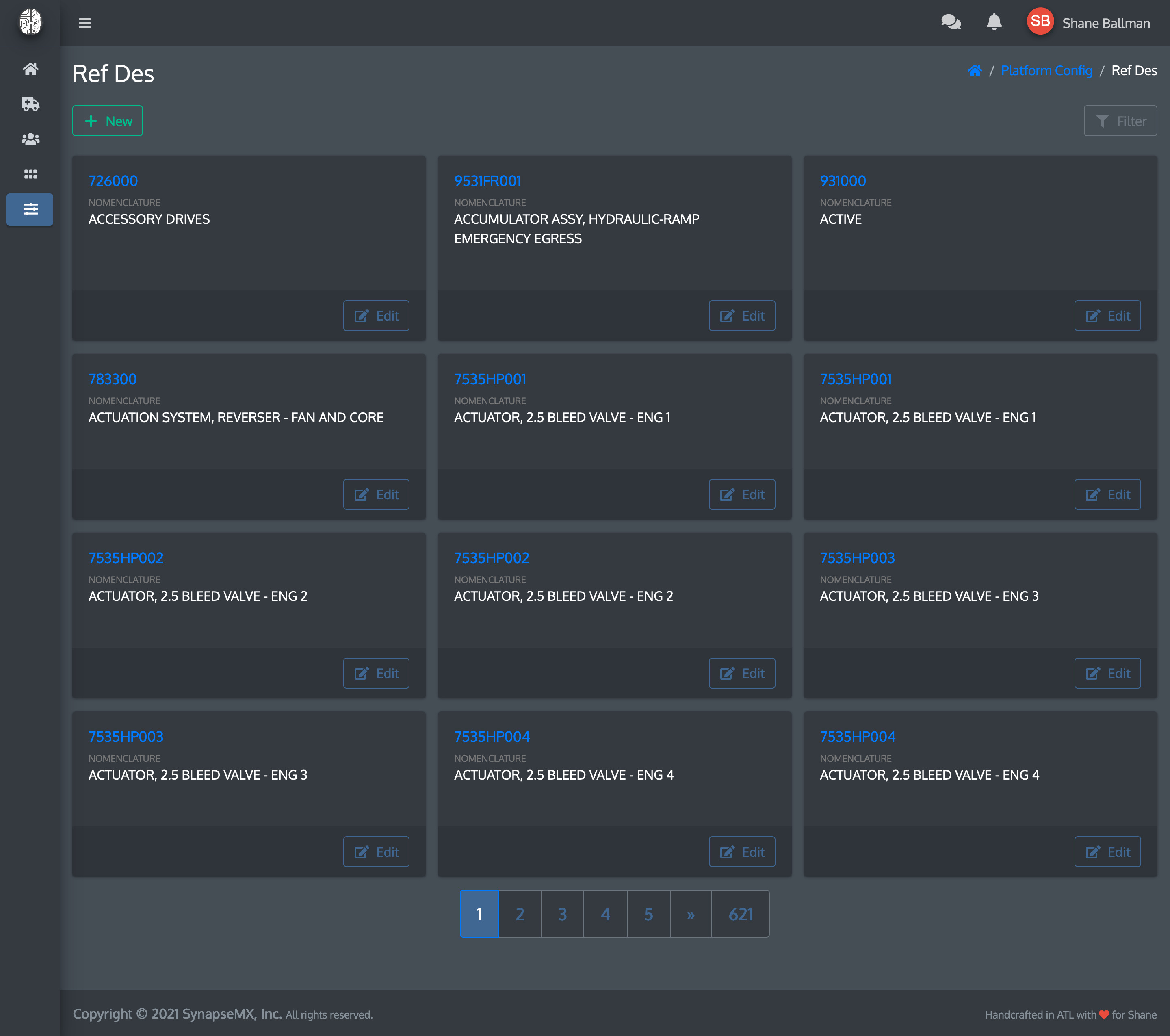
That will take you to a screen where you can enter the details for your new Reason.

- Reason: The name of the Reason (required)
- Description: Additional details you want to provide which help explain the Reason (optional)
Click Save when finished.
You will be returned to the Reason listing, where your new Reason will be ready for use.

Comments
0 comments
Please sign in to leave a comment.