
Use the Reasons page in the Platform Configuration at Configuration > Reasons to configure various settings related to your SynapseMX account.

To remove a Reason, click the Reason's title or the Edit button on the reason card you want to remove.
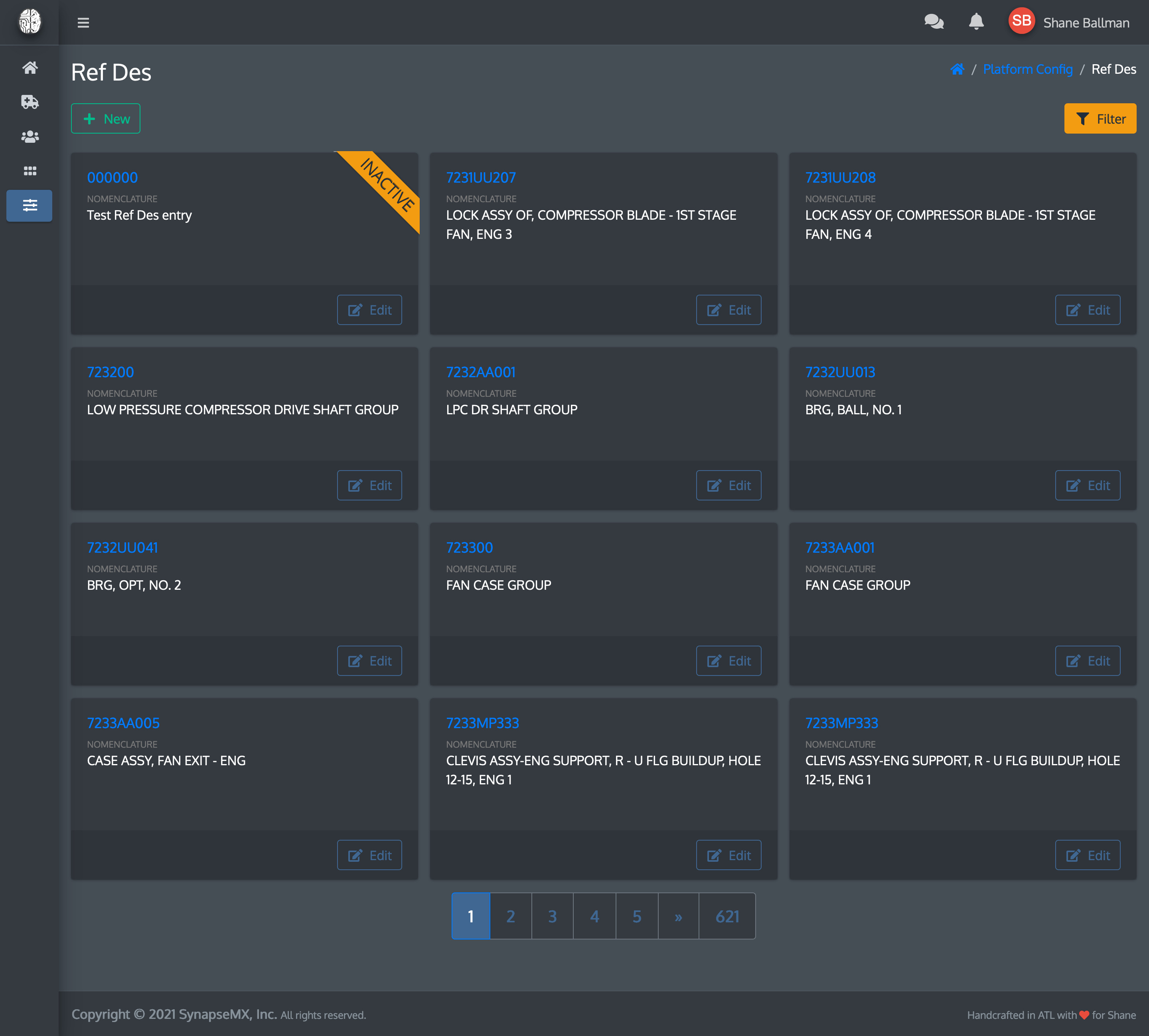
That will take you to a screen where you can edit your reason. Go to the Settings tab.
The Settings tab

- Temporarily disable: If you disable the Reason, it prevents users from being able to select the Reason from any of the dropdown menus elsewhere in the app. It will still show up in the Reasons list when the filter is set to show inactive Reasons.
- Permanently remove: If you want to remove the Reason completely.
Click the red Archive button to remove the Reason.
You will be prompted to make sure you want to remove the Reason. If you're certain, click Remove.
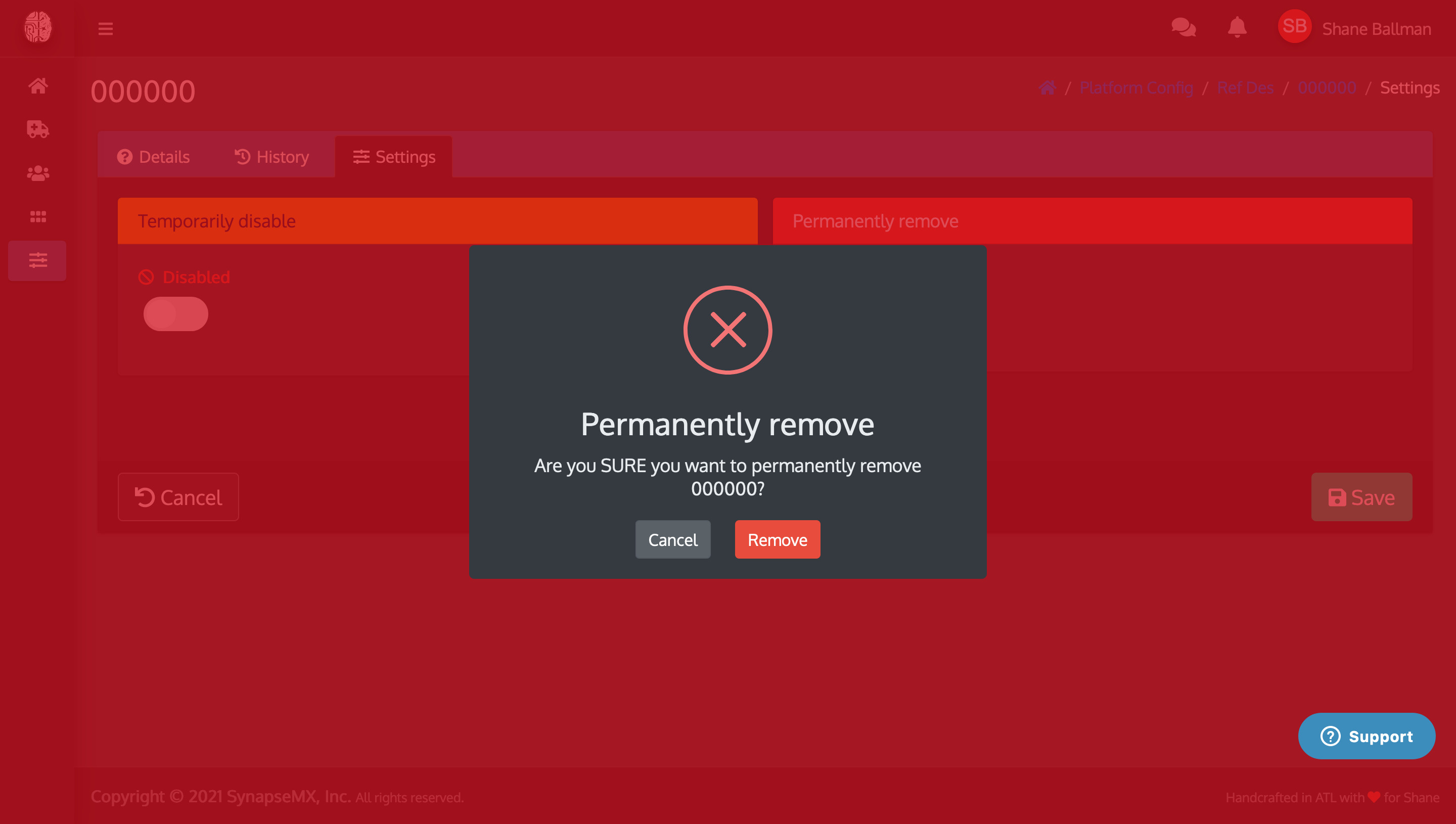
You will be returned to the Reasons listing, where your deleted Reason will now be removed.

Comments
0 comments
Please sign in to leave a comment.